
Signing up for the NexHealth API
This page has movedThe current version is the Quickstart.
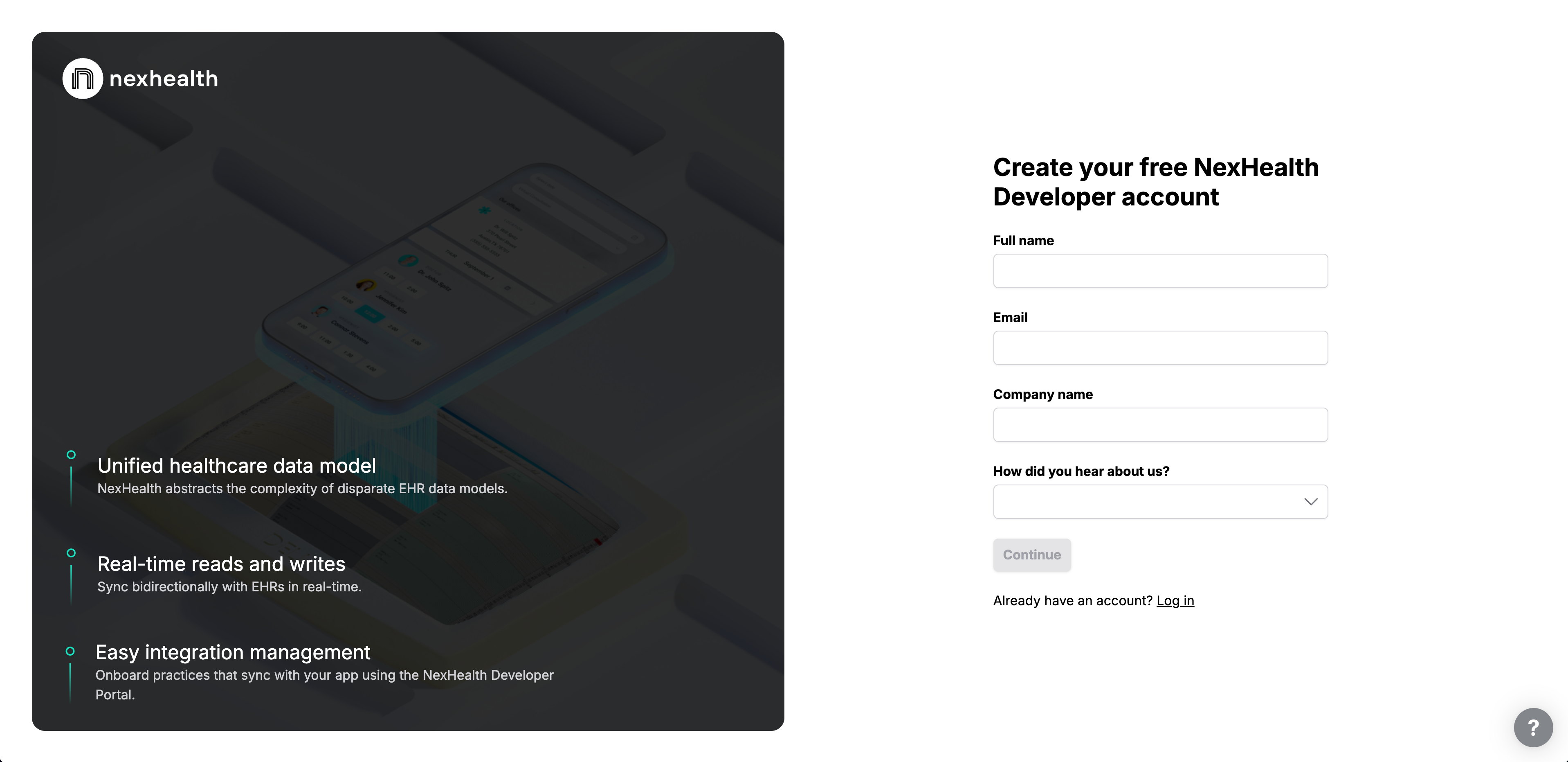
Create your Developer Account
You can sign up to use the NexHealth API at https://developers.nexhealth.com/signup. Simply enter your name, email address, company name, and how you heard about us to get started.
Obtaining a Sandbox API Key
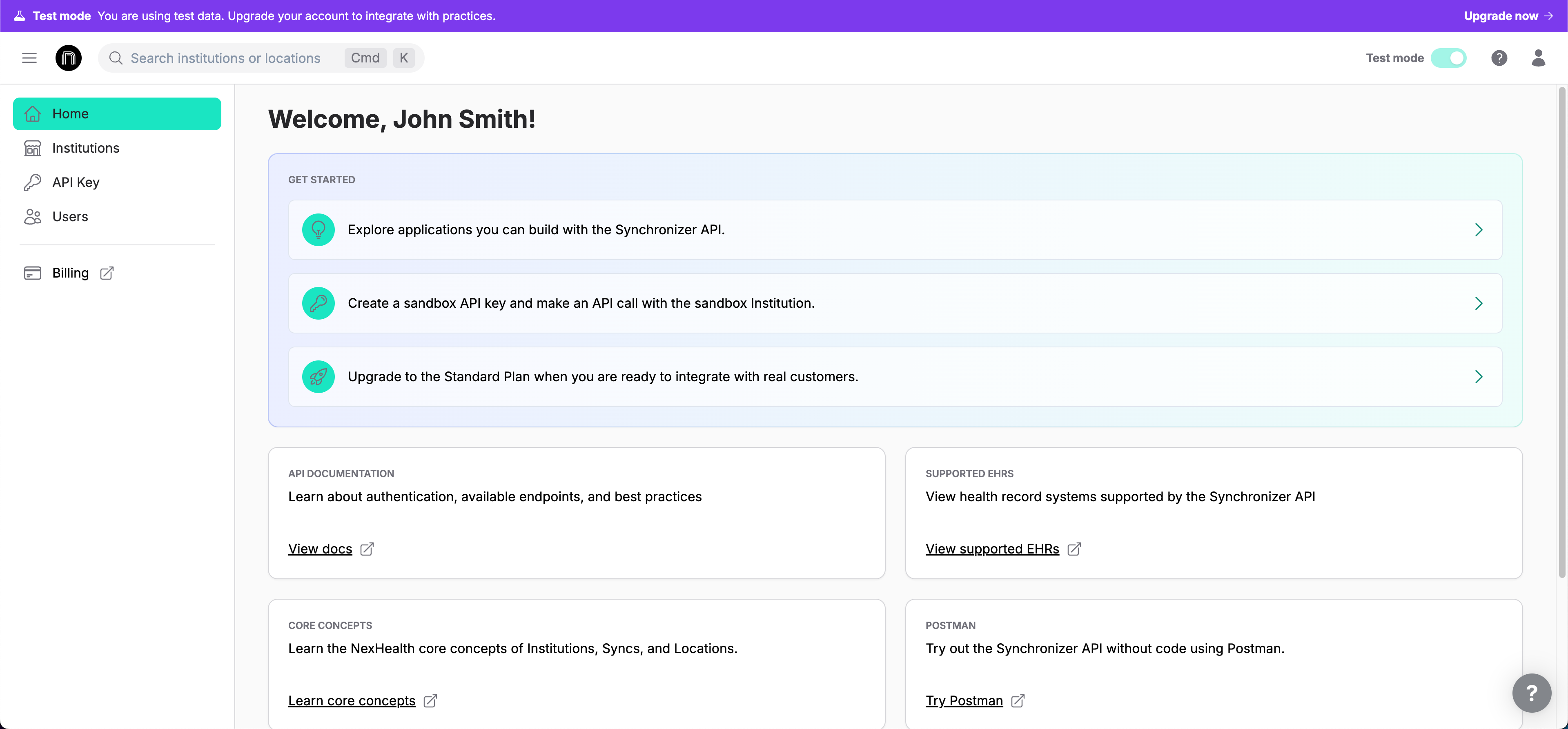
After the initial sign up, NexHealth will generate a sandbox location with sample data for you to test in. To access this location, you will need to generate your sandbox API key. To do so:
-
Click the "API Key" tab on the left side of the page
-
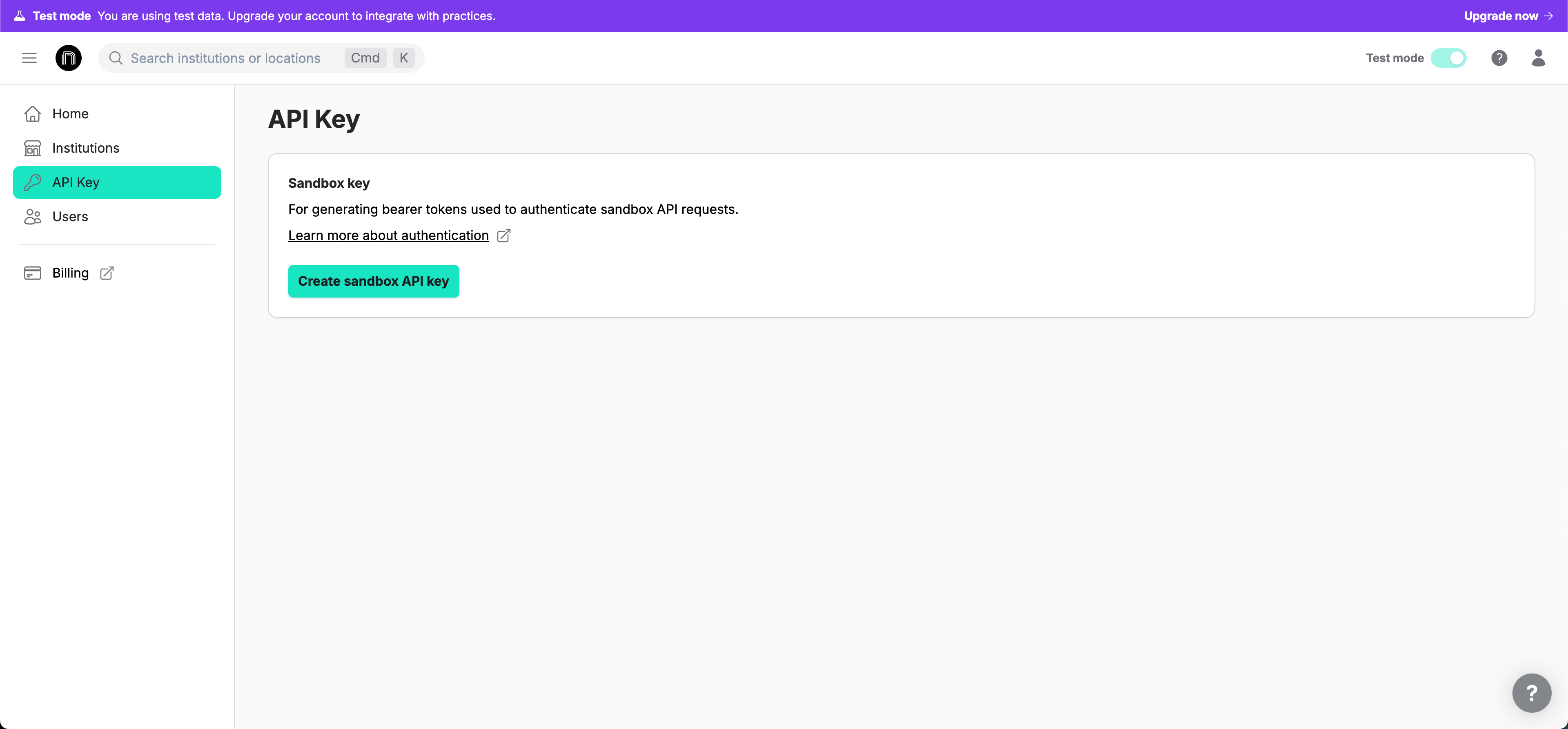
Click "Generate sandbox API key"
-
Make sure to save it somewhere safe, as you won't be able to view it again!
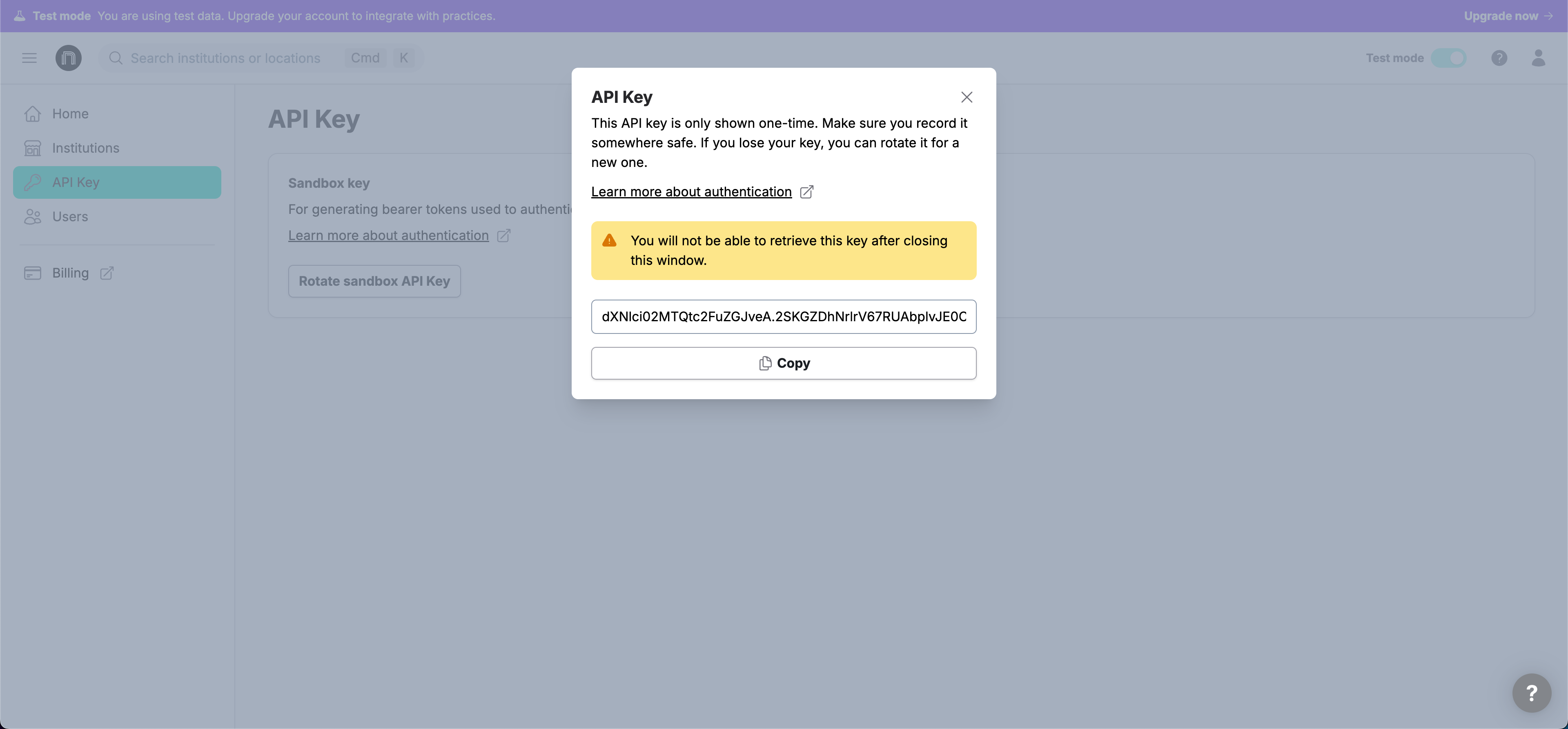
With this API key, you can start making API calls to your sandbox locations. To do so, you will need to pass an Authorization header in API calls with your API key as the value.
Updated 9 days ago